
Power Query for Excel Users
Stop redoing the same cleanup every week. Learn to clean, combine, and automate your Excel data with Power Query. No prior experience required.
- 12 real workplace scenarios, one continuous story
- Every chapter ends with a deliverable you built yourself
- Practice files and LLM prompt templates included
By Oscar Martínez Valero, founder of bibb.pro, trusted by 13,000+ BI professionals
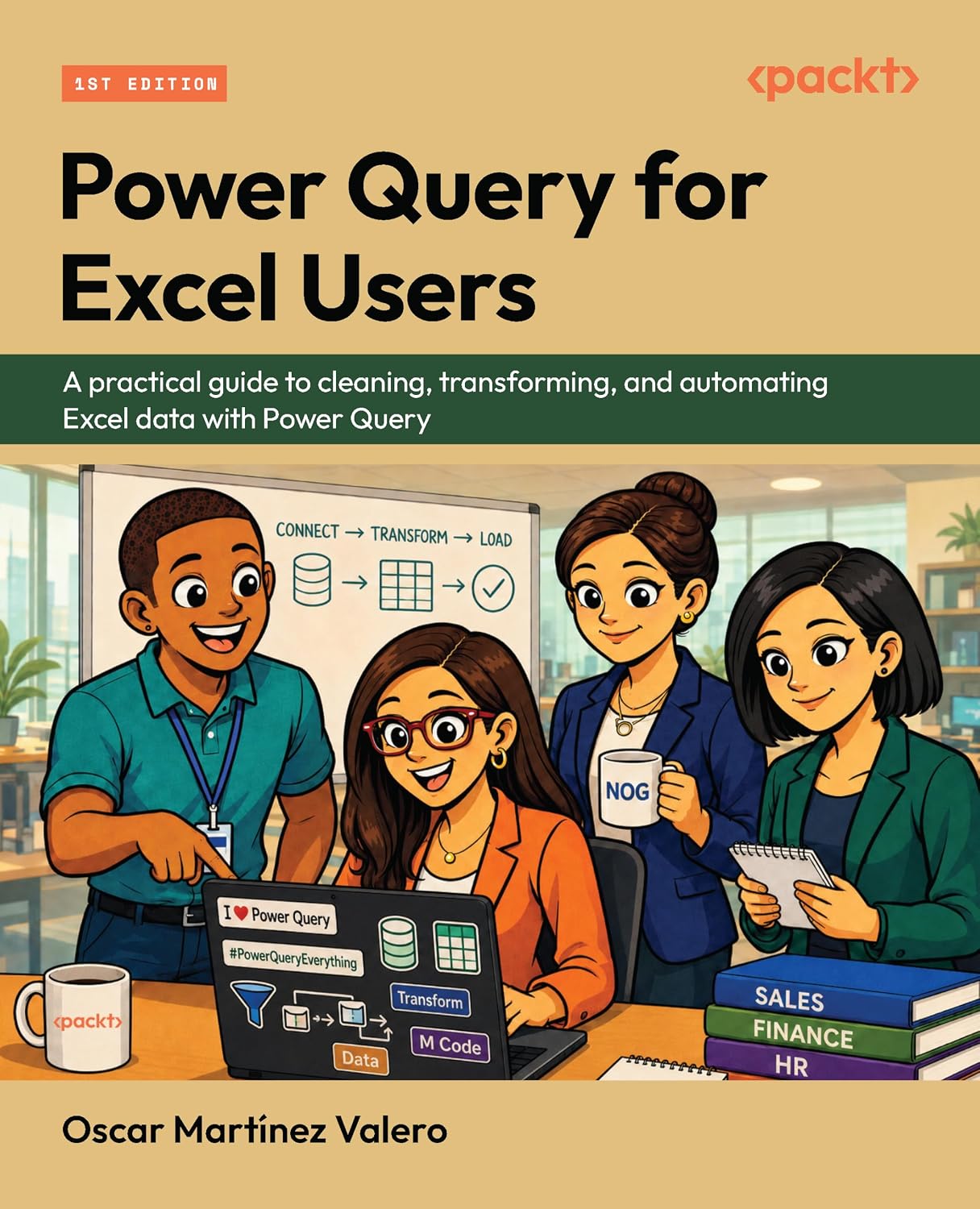
Not a textbook. A casebook.
Every chapter is a real scenario. Quinn gets a request, solves it, and leaves a deliverable behind. By Chapter 12, she has a connected data model built from scratch.
A new tool, zero fear
Quinn's first morning. Two demo files, a new interface, and the core loop: connect, transform, load, refresh. Low stakes, but you leave knowing exactly what Power Query does.
Real colleagues, real mess
Tom has four months of files in a folder. Priya has payments that don't match registrations. Every chapter is a request you've probably received yourself, or will soon.
A model that answers anything
Three linked tables. Real DAX measures. One workbook that refreshes in one click and answers any question Marcus throws at it.
Meet the team at NOG
Every chapter starts with a colleague who has a problem. You learn Power Query by solving real requests for real people.
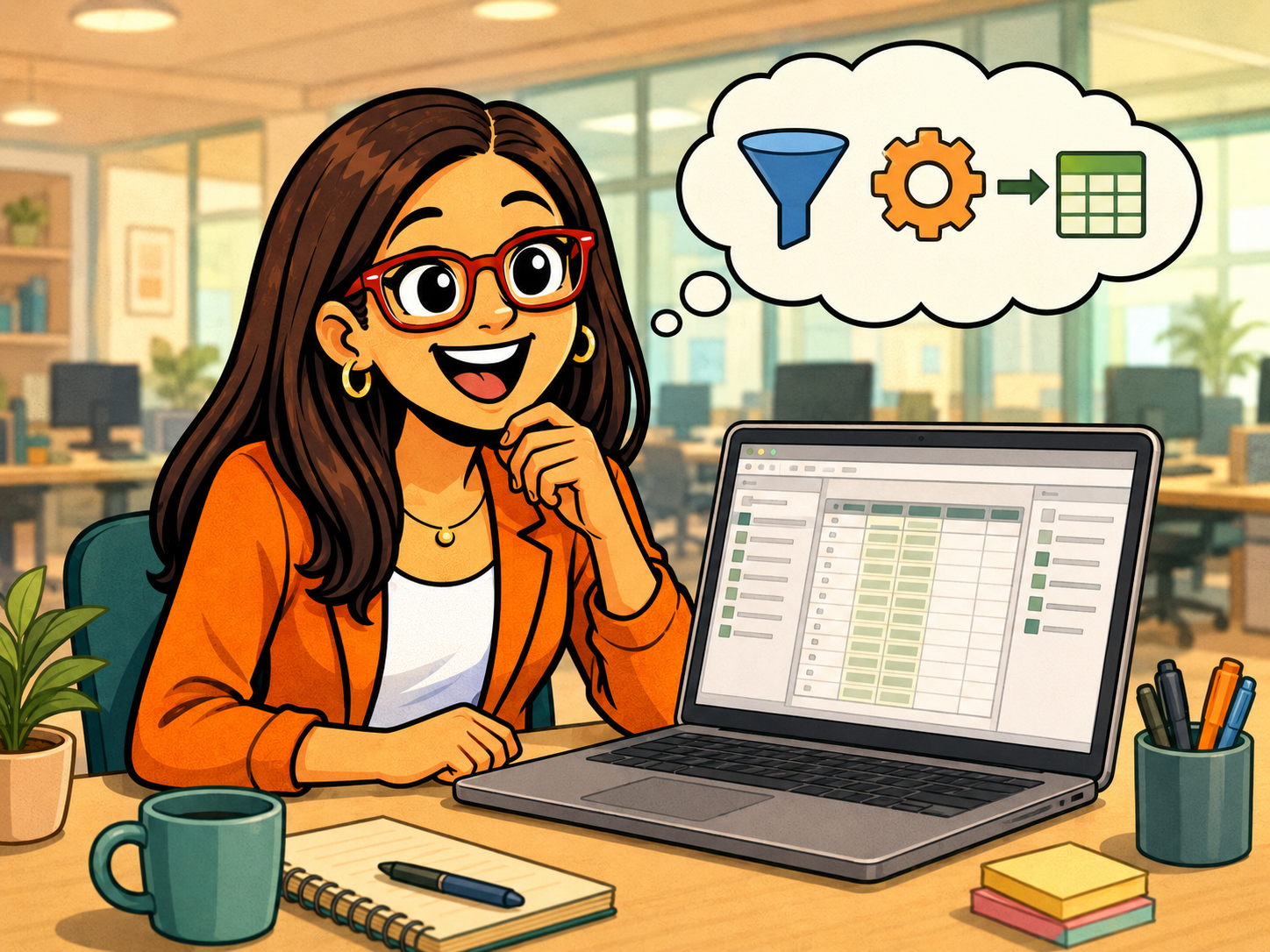
Quinn
Data Analyst
She just started at NOG and inherits everyone's data problems. She's you.

Amira
Executive Assistant
Her contacts list is a mess of inconsistent names, missing emails, and duplicates.
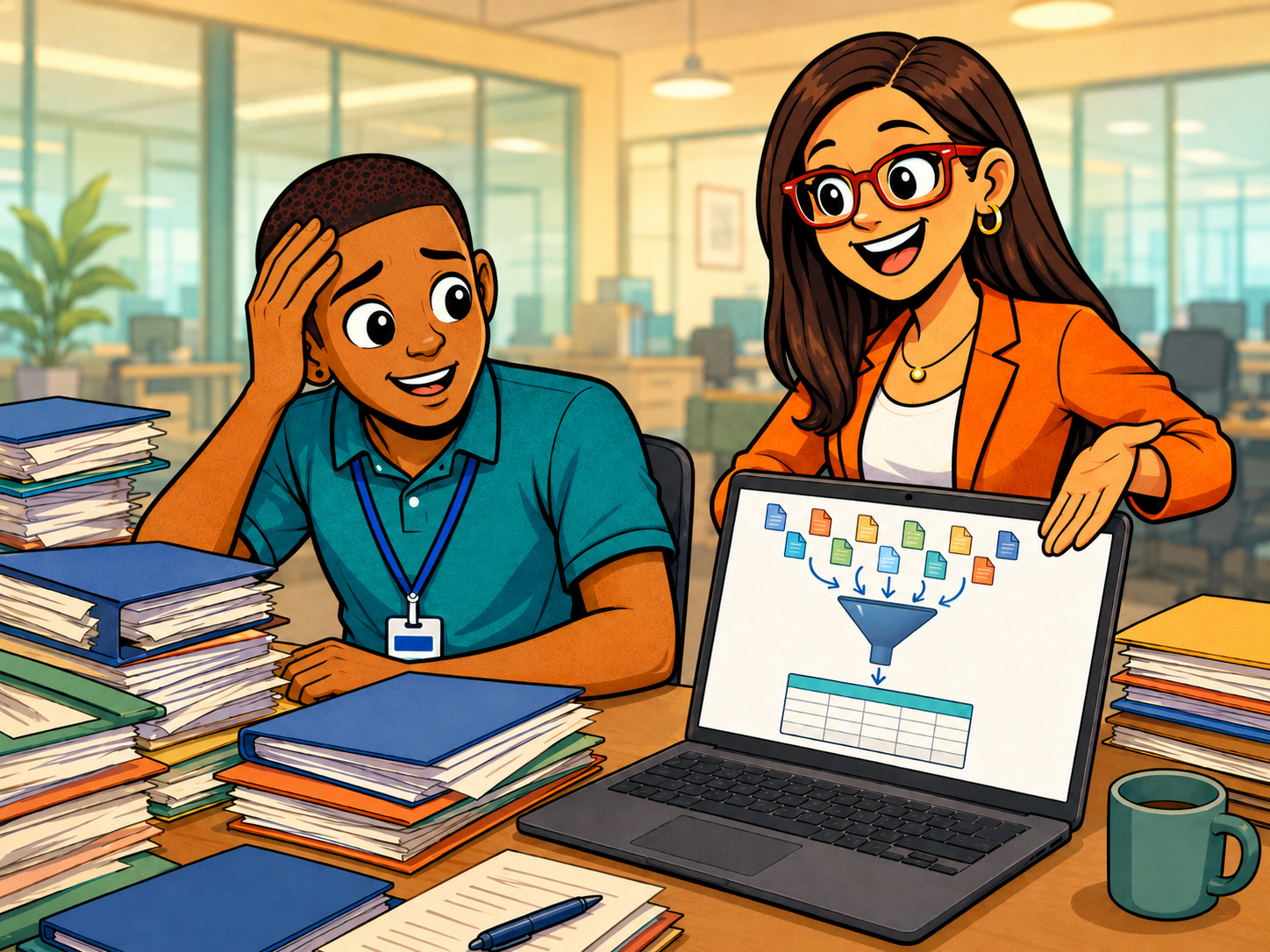
Tom
Events Coordinator
Four months of registration files sitting in a folder. He just wants one clean table.

Marcus
Marketing Manager
He needs a weekly KPI report that doesn't require Quinn to rebuild it every Monday.
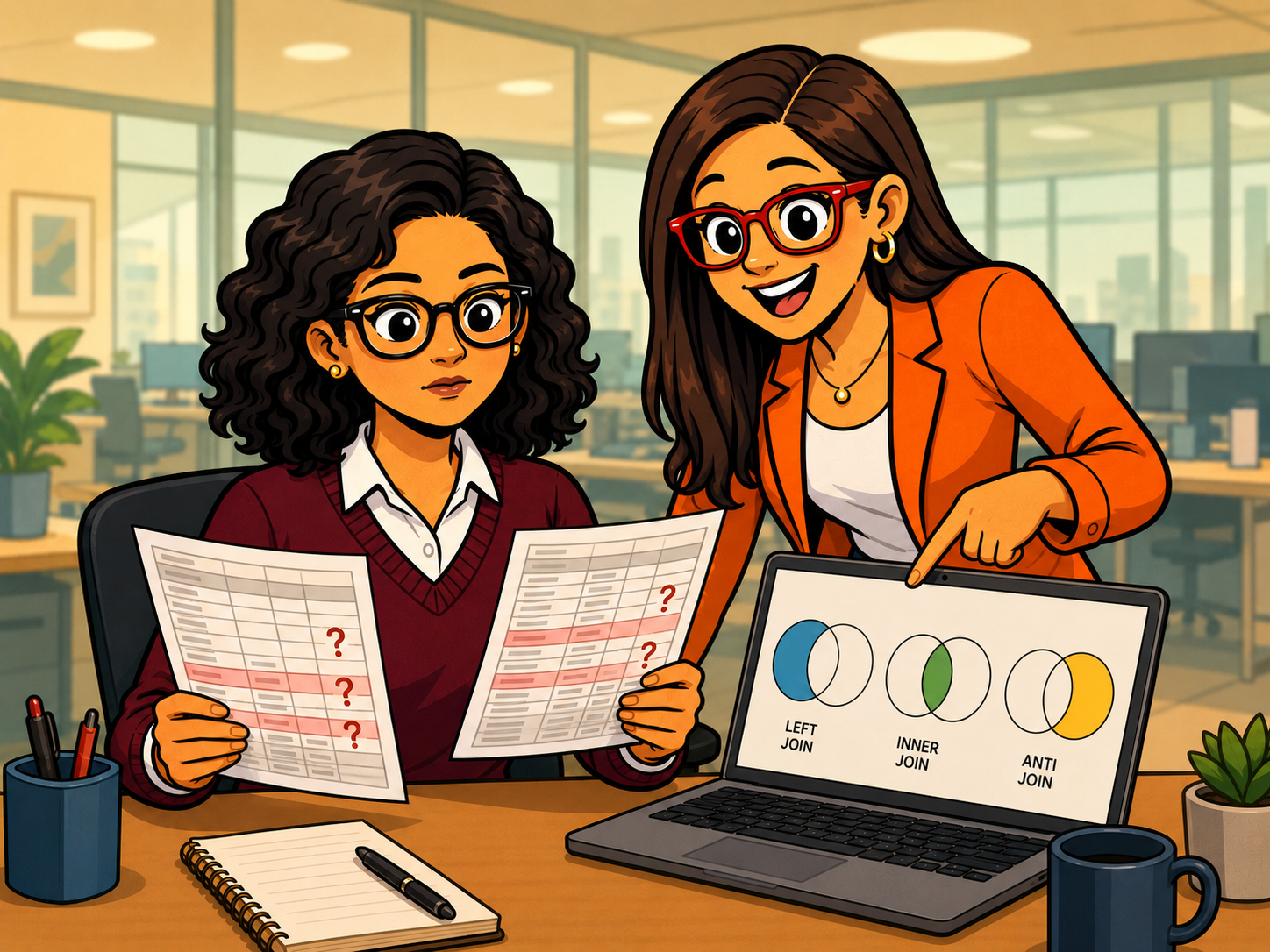
Priya
Finance Analyst
She's found payment records that don't match registrations and needs to know why.

Hannah
Senior BI Analyst
She shows Quinn how to connect all the clean tables into a real data model.
12 chapters. 12 deliverables.
Every chapter ends with something real: a clean table, a refreshed report, or a connected model. Nothing is hypothetical.
Part 1: Quinn's first week
Quinn just started at Northbridge Office Group. Before she can build anything real, she needs to understand how Power Query thinks and start solving her first colleague requests.
The Power Query Quick Tour
Quinn takes two demo files and learns the core loop: connect, transform, load, refresh. Low stakes, zero fear.
Reception Contacts Cleanup
Amira asks Quinn to fix a messy contacts export. Quinn builds her first real query, trims, fixes casing, sets types, and shows Amira a workbook that refreshes in one click.
Sessions Metadata Import
Tom needs four months of session files combined and standardised. Quinn connects to a SharePoint folder and builds the Master_Sessions reference table.
Weekly Event KPIs
Marcus sends a messy metrics range. Quinn converts it to a proper query and introduces the keys that will tie everything together later.
Weekly KPI Summary Pack
Marcus needs a report that updates every week. Quinn turns the KPI query into PivotTables with slicers, her first deliverable that runs on a single refresh.
Part 2: The data is messier than it looks
Real event data comes in folders of files, with inconsistent formatting and attendance records that don't match registrations. Quinn learns to clean it all.
Event Registration Folder Cleanup
Tom has four months of registration exports in a folder. Quinn combines them all, standardises emails, removes duplicates, and produces one clean table the rest of the book will depend on.
Session Attendance Folder Combine
Attendance files are wide and messy. Quinn reshapes them into one tidy table, one row per attendee per session, ready for analysis.
Part 3: Connecting the dots
Now that the individual tables are clean, Quinn starts merging them together, reconciling payments, and making the whole system reusable.
Master Attendee List for Events
Amira needs a single list of every attendee with their session details. Quinn merges registrations and attendance, learns which join type to use, and runs a trust checklist after every refresh.
Payments Reconciliation
Priya needs to know which registrations haven't been paid. Quinn merges payment records, uses an anti-join to chase the missing ones, and builds the Master_Payments table.
Reusable Event Data Patterns
Hannah shows Quinn how to use parameters and query groups to filter by event type without rebuilding queries from scratch. The setup becomes reusable for any future event.
Part 4: The payoff
Quinn loads everything into the Excel Data Model and writes her first DAX measures. Marcus can now answer his performance questions in seconds.
Events Model in the Excel Data Model
Quinn connects Master_Sessions, Master_Attendees, and Master_Payments into a real data model with defined relationships. The foundation for every analysis question that follows.
Events Performance Questions
With Hannah's help, Quinn writes three DAX measures: Total Registrations, Total Attendees, and Attendance Rate. Marcus finally has his answers, and Quinn has a model she can reuse.
Follow Quinn from messy exports to a working data model
12 chapters, 12 deliverables, all practice files included. One workbook you'll actually reuse at work.
About the author

Oscar Martínez Valero
Founder of bibb.pro · Microsoft Certified
Data professional with 15+ years bridging finance, technology, and analytics. Microsoft Fabric Analytics Engineer Associate and Power BI Data Analyst Associate. Oscar founded bibb.pro and built the #1 Power BI Theme Generator, used by thousands of analysts worldwide.
Common questions
I've never opened Power Query. Is this for me?
Yes. Chapter 1 starts with two demo files and zero assumptions. If you know your way around Excel, you have everything you need.
Do I need Power BI?
No. Everything happens inside Excel. The last two chapters introduce the Excel Data Model and DAX, which happen to be exactly the skills that transfer to Power BI if you ever go there.
Which version of Excel do I need?
Power Query is built into Excel 2016 and later on Windows, including Microsoft 365. No add-ins, no extra licenses.
Is it theory or hands-on?
Hands-on. Every chapter works through real files from NOG, the fictional company where the story takes place, and ends with something you can show: a clean table, a refreshed report, a working model. All practice files are included.
Ready to become the data hero on your team?
Quinn's story starts on page one. Yours starts with the next messy export someone sends you.
Get the Book on AmazonPublished by Packt · Paperback & Kindle · Practice files included