
Building Claude Dashboards on Microsoft Fabric with Fabric IQ MCP
Build a Claude Dashboard from a Microsoft Fabric semantic model via the Fabric IQ MCP server: DAX queries, CSV snapshots, and the quirks we hit along the way.


Experience driven BI
bibb brings together practical knowledge, thoughtful design, and powerful tools to help people create business intelligence that truly works.
Transform your Data Visualization Game with our professionally designed Power BI template. Built with best practices for UX and modern dashboard design.
Get the Template Now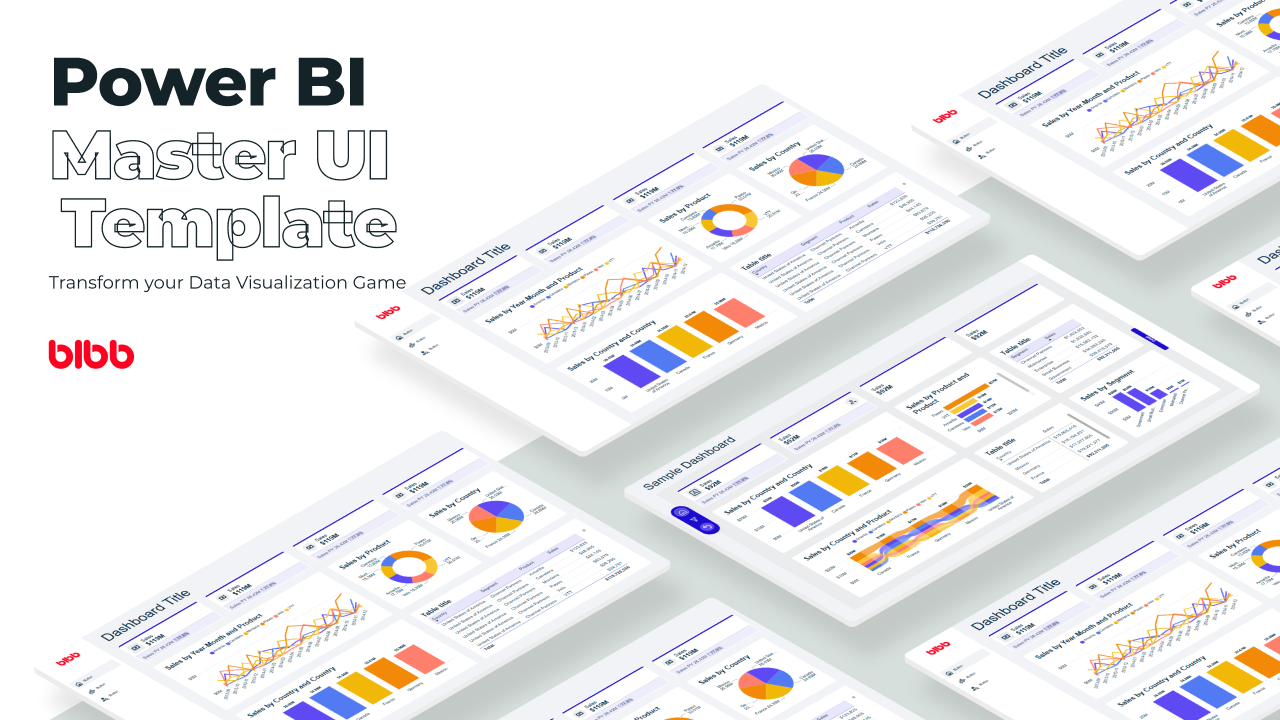
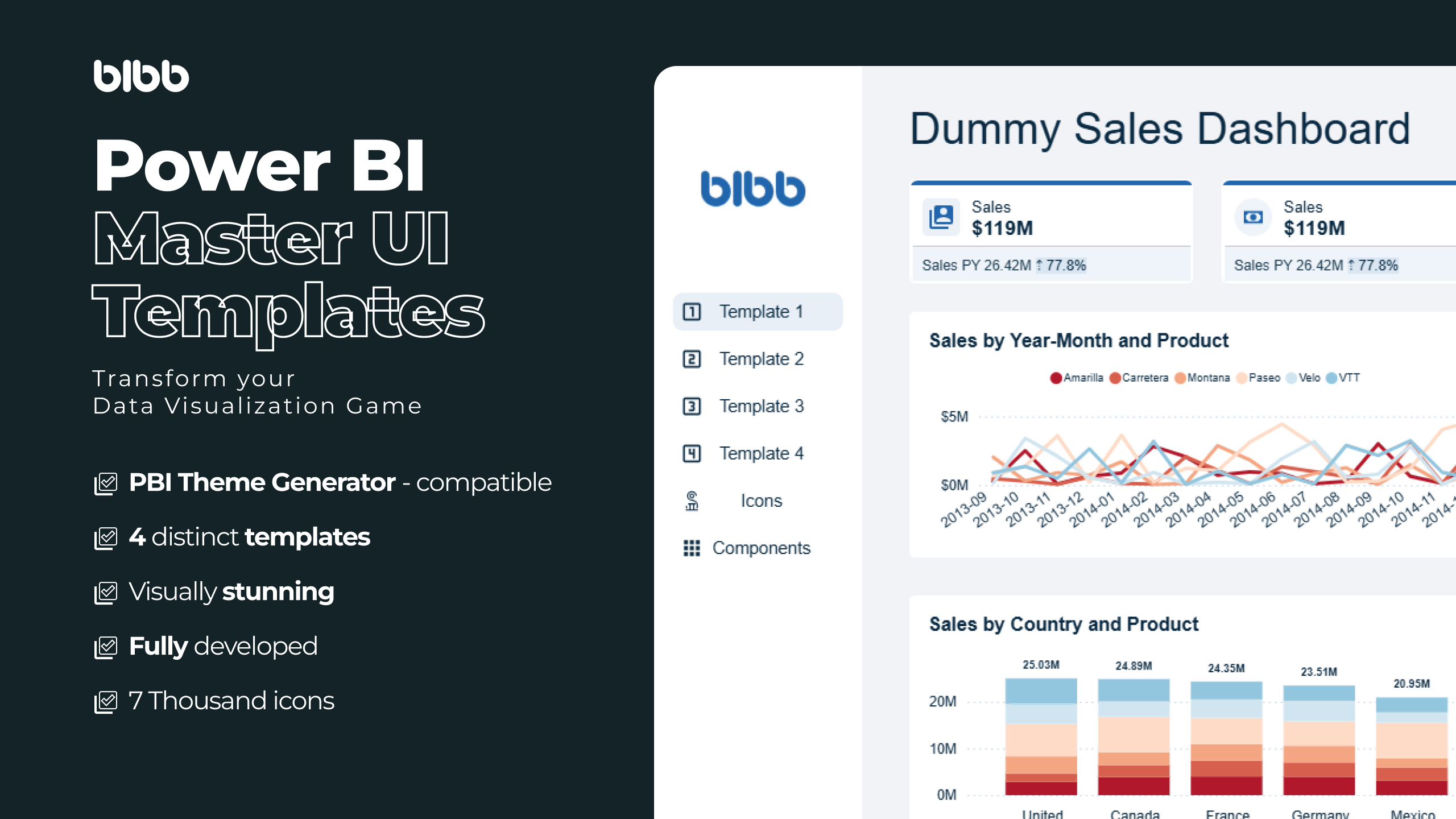
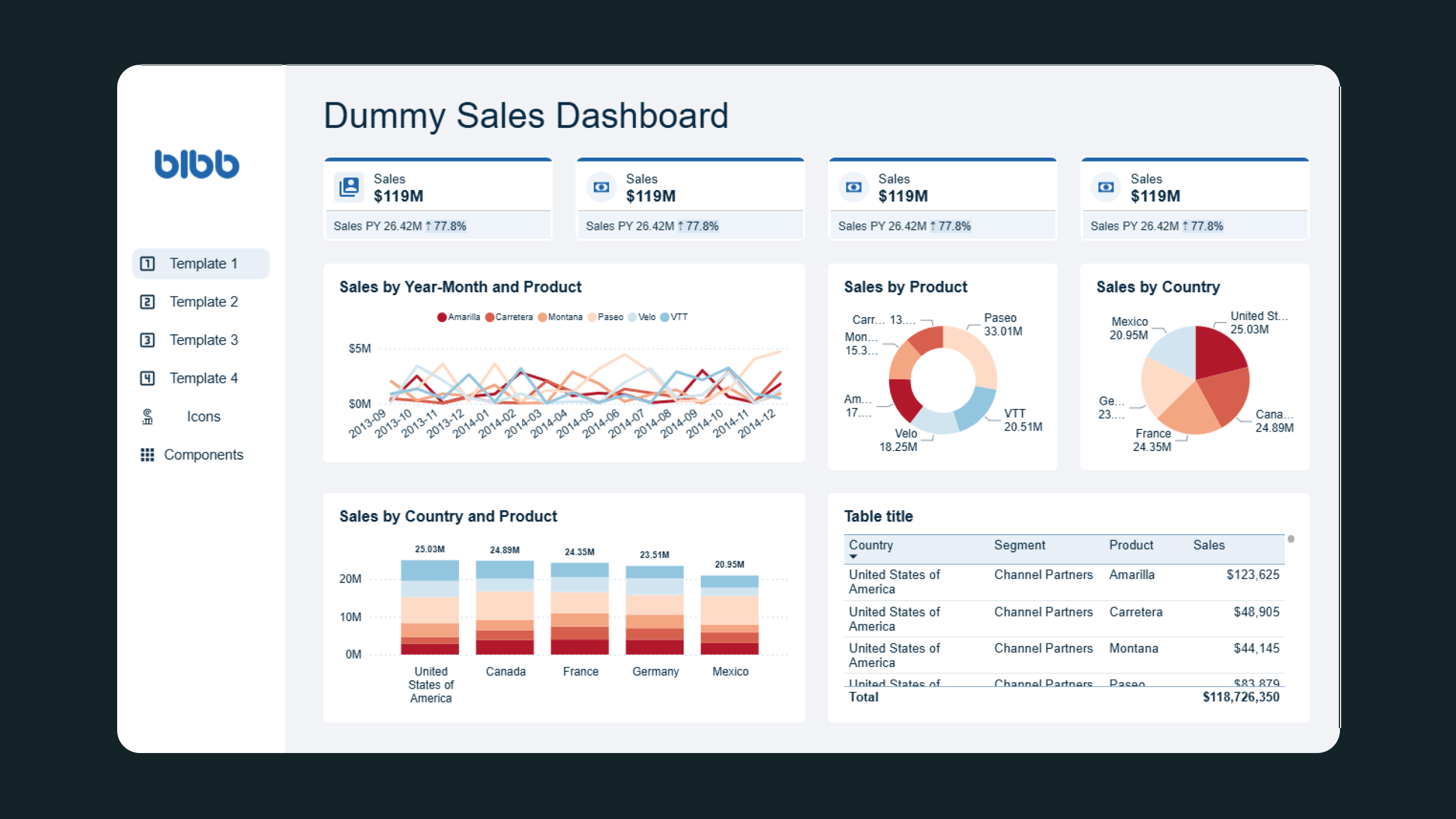
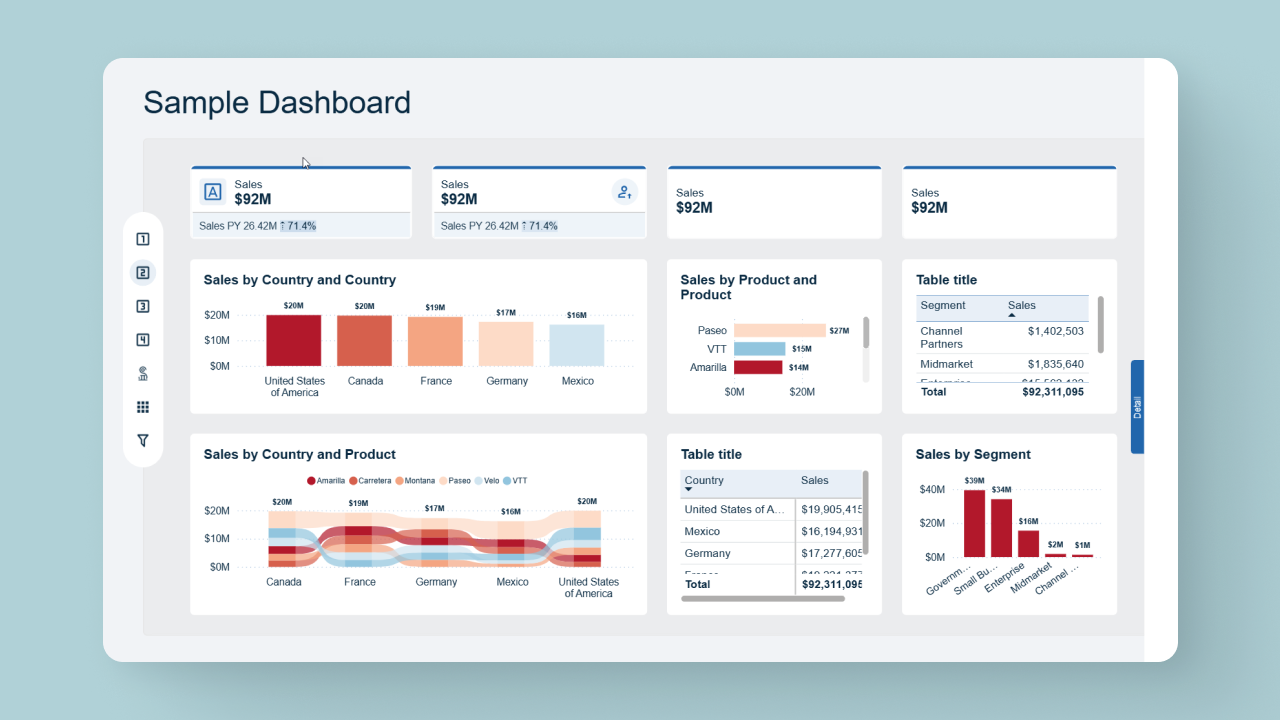
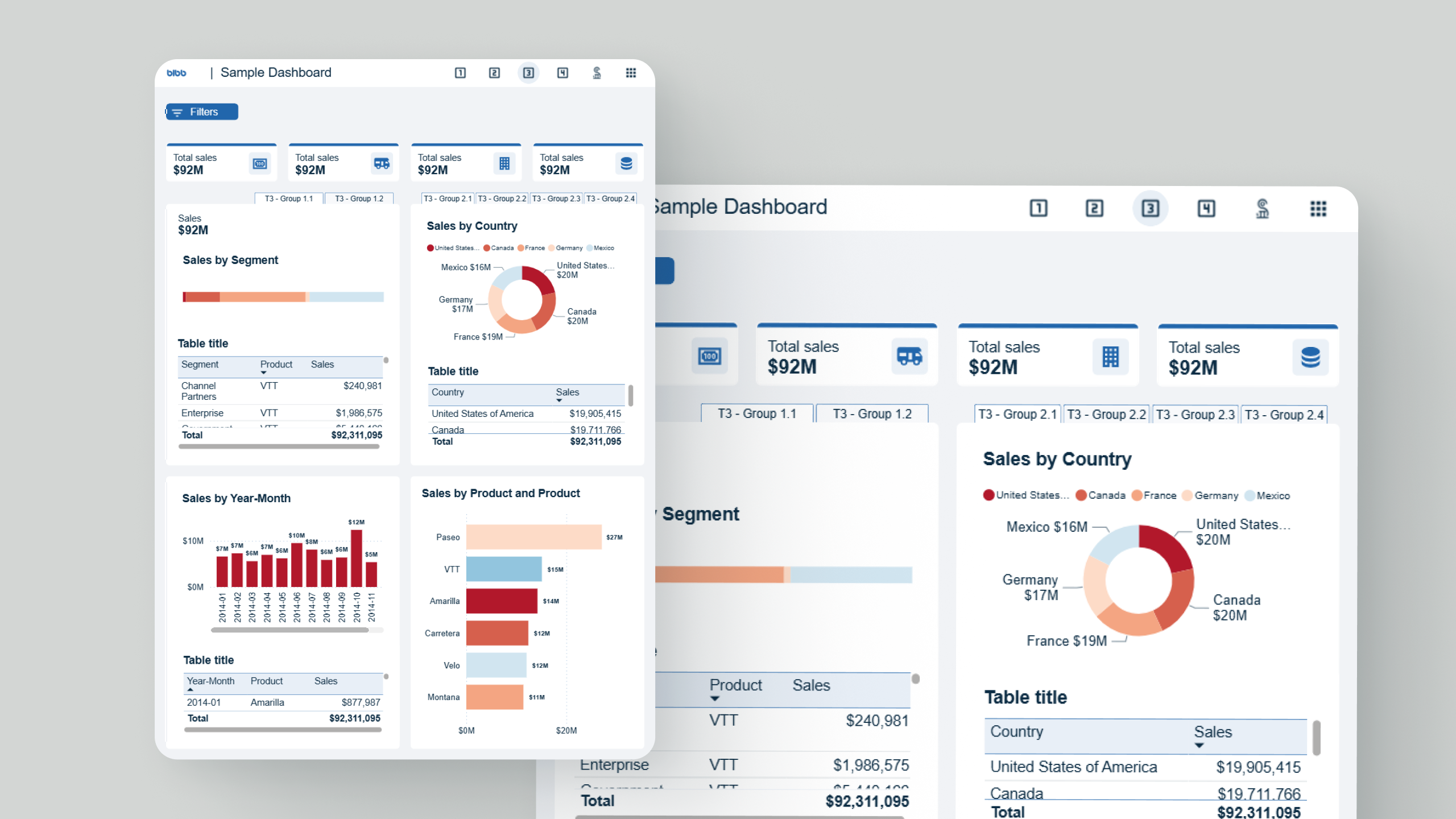
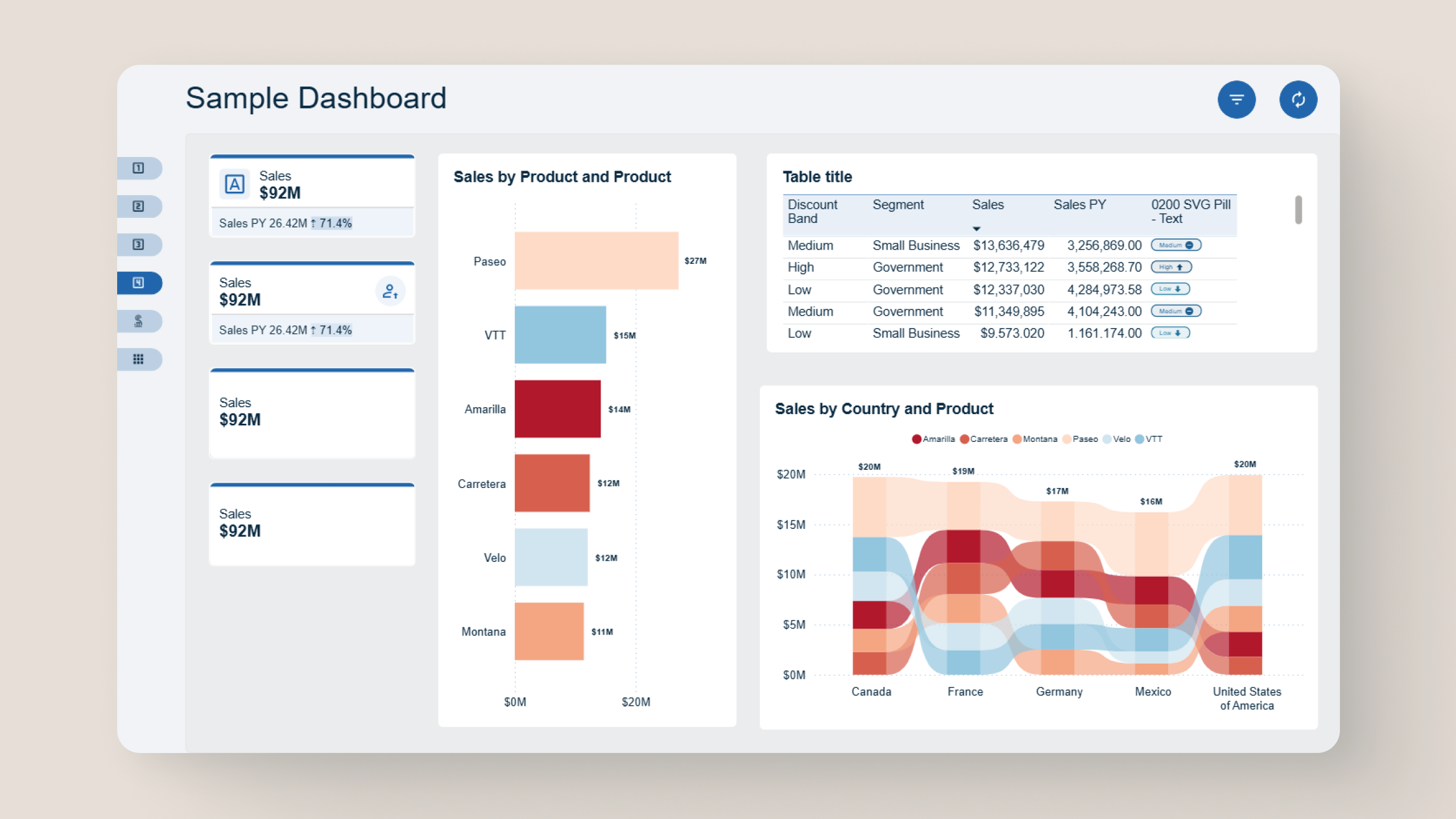
This is a fantastic template for PowerBI and has great integration with Theme Generator. You can learn a lot from this template. Hope to see many updates in future.
— Anonymous
Amazing!!! Three polished templates guide my visual design, so I focus on insights while still shipping professional-grade Power BI dashboards.
— Talia
Amazing templates, the nicest thing is that they are 100% compatible with the theme generator, must have tool for Power BI developers.
— Anonymous
Excellent Visualization
— Luis
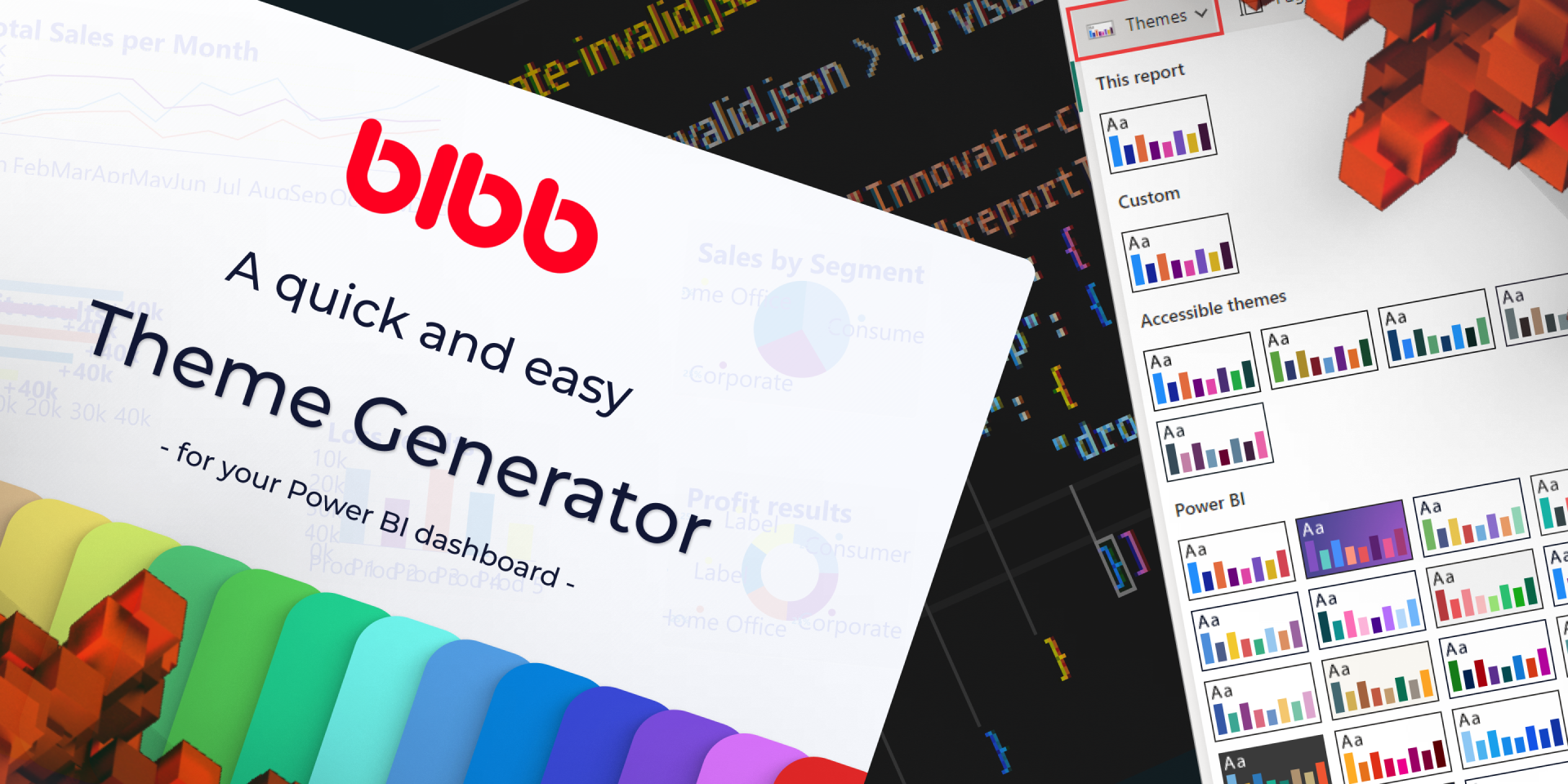
A quick and easy way to create beautiful Power BI themes. Generate custom color palettes, preview your designs, and export professional themes in seconds.
Stay up to date with the latest insights and tutorials from our collaborators.
Build a Claude Dashboard from a Microsoft Fabric semantic model via the Fabric IQ MCP server: DAX queries, CSV snapshots, and the quirks we hit along the way.
Power BI SVG measures: stop breaking yours. Learn where to use them, follow 17 priority-based rules, and grab an AI prompt template for bulletproof visuals.

Connect Clockify to Power BI three ways: hand-rolled Web.Contents calls, the free custom connector, or a ready-made template. Pick by build versus ship.
Documenting the real marketing analytics setup behind bibb.pro: strategy, implementation, and results. Built with Dashflow. Published as it happens.